

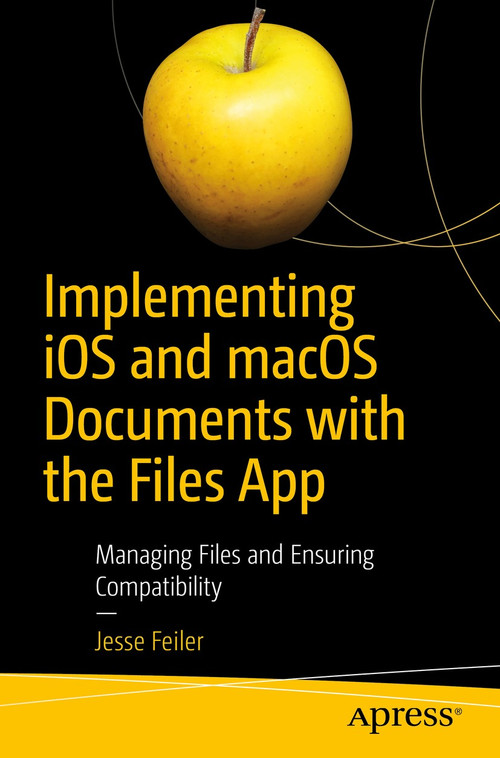
Implementing iOS and macOS Documents with the Files App: Managing Files and Ensuring Compatibility
by Jesse Feiler
From $23.09 / copy at 25+ copies; lower per-copy prices at higher quantities (see Volume pricing) As low as $20.45 at 1,000+
Total $577.25
Format
The more copies, the less each one costs
Applied automatically in your cart. No code needed.
Turn this order into a program
Groups that order together often pair the copies with something more. We handle the extras so you don't have to.
Branded cover stickers on paperbacks from 100 copies, plus bookplates, inserts and belly bands. Your specialist confirms what fits your title.
Customization options Ship to every readerOne address, many sites or individual recipients' homes, in the US and abroad.
Fulfillment options Pair it with a branded journalJournals with your logo or each reader's name, for the same group.
Branded journals Bring in a speaker
BookPal is partnering with Talezo to help you find and book authors, speakers and performers for your event.
BookPal × TalezoImplementing iOS and macOS Documents with the Files App
Rise above the basics of Xcode app development to implement tools like Share buttons and activity view controllers to share document content including parts of documents with other users and with other devices. This book fills the gap so that developers with even a fundamental knowledge of iOS and Swift can implement document creation, saving, and sharing in their apps.
What You'll Learn
- Add Document Support to Your Apps
- Share your documents with iCloud and Apple IDs across your Mac and iOS devices
- Use standard formats from .doc, .docx, .png, and .jpeg both for input and output
- Manage and organize documents
Details
- Publisher
- Apress
- Author
- Jesse Feiler
- Format
- Paperback
- Published
- Jun 11, 2019
- ISBN-13
- 9781484244913
- Pages
- 156
- Printing
- Printed on demand
Implementing iOS and macOS Documents with the Files App for groups: pricing
Volume pricing applies automatically in your cart. No codes, no account needed.
| Copies | Price per copy | You save |
|---|---|---|
| 25 – 99 | $23.09 | 30% off list |
| 100 – 249 | $22.43 | 32% off list |
| 250 – 499 | $21.77 | 34% off list |
| 500 – 999 | $21.11 | 36% off list |
| 1,000+ | $20.45 | 38% off list |
Popular for
A copy for every member, on one order.
A book for every attendee, delivered to your venue.
For clients, staff, members or volunteers.
Where can I buy 100 copies of Implementing iOS and macOS Documents with the Files App?
BookPal sells Implementing iOS and macOS Documents with the Files App in quantity. At 100 copies the price is $22.43 a copy, against a list price of $32.99, and the cart applies the volume tier automatically. Free shipping on most orders over $95 in the contiguous US. A specialist can quote a larger or mixed order.
- New books only, straight from the publisher
- Volume prices apply automatically in the cart, with no code needed
- Order at least 10 business days before you need the books (11 from mid-November through December)
What does Implementing iOS and macOS Documents with the Files App cost when I buy for a group?
Volume pricing applies automatically in your cart, with no code needed. Price per copy: 25 to 99 copies, $23.09 (30% off list); 100 to 249 copies, $22.43 (32% off list); 250 to 499 copies, $21.77 (34% off list); 500 to 999 copies, $21.11 (36% off list); 1,000+ copies, $20.45 (38% off list). Need a different quantity, or a quote to forward for approval? Ask a specialist and we will confirm pricing before you pay.
How fast can I get copies of Implementing iOS and macOS Documents with the Files App?
This title is printed on demand, so it needs production time before it ships. Need them by a specific date? Request a quote and we'll confirm timing before you pay.
Can you ship to several locations or people's homes?
Yes. We ship group orders to one address, to multiple sites, or to individual recipients, in the US and internationally. See fulfillment options.
Can I get a formal quote for approval before ordering?
Yes. Request a quote and we'll send a PDF you can forward for approval.
Do you accept purchase orders and tax-exempt orders?
Yes. We accept purchase orders upon approval, as well as cards, PayPal, ACH, wire transfers and checks. BookPal is a tax-exempt supplier in all 50 states. See purchase orders and sales tax exemption.
What if I find a lower price?
Send us the link. We match prices from other booksellers and distributors on a new copy in the same edition, available to ship in the quantity you need. Clearance sales and pricing errors are the exception, and we'll tell you quickly if that's the case. Start a price match.
Write a Review
Implementing iOS and macOS Documents with the Files App: Managing Files and Ensuring Compatibility
Groups also order


A colleague asked you to approve this order
Your quote list
Add books as you browse, then request one quote for all of them.